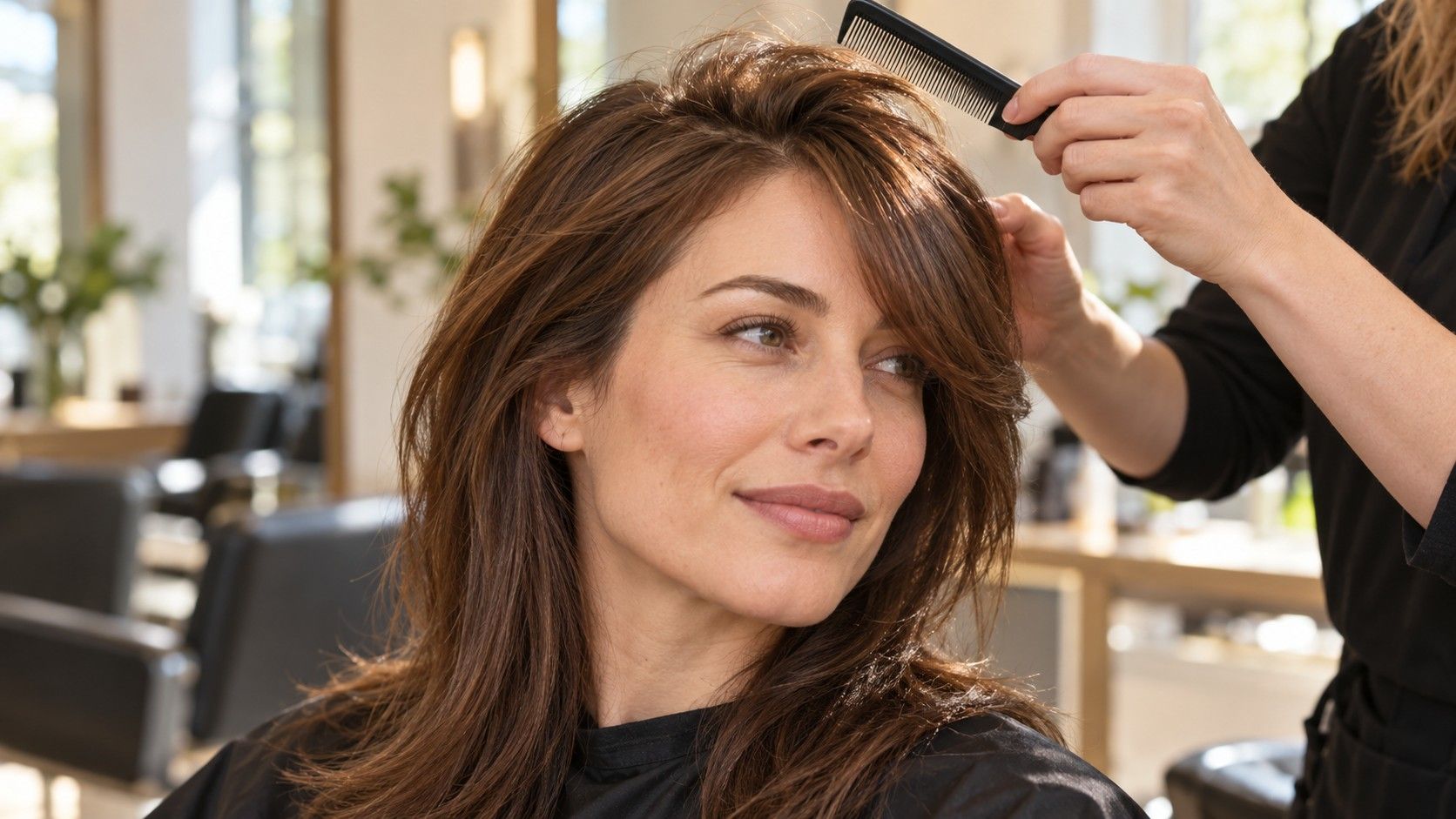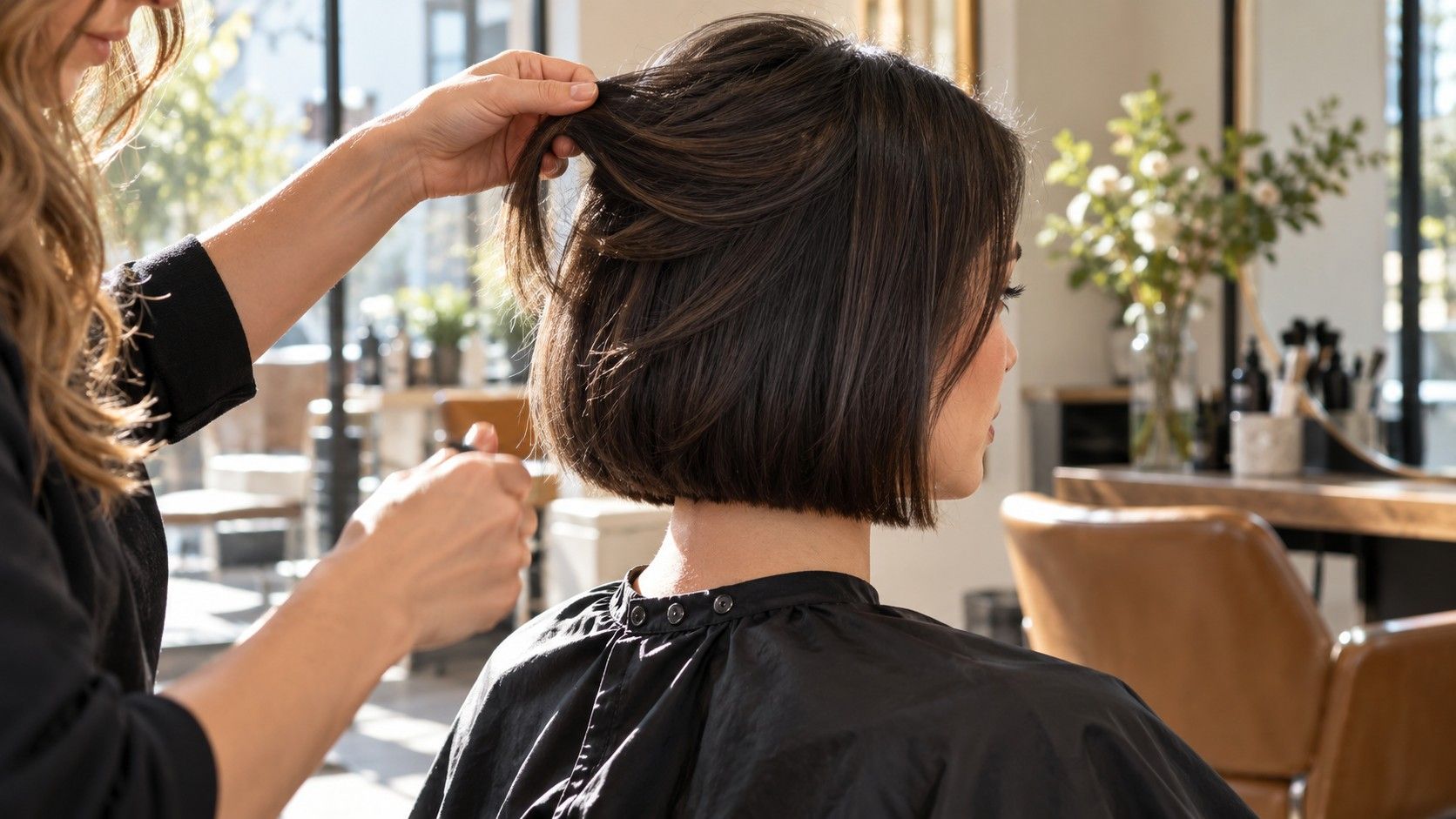
A hairstyle preview that opens without an account can be convenient, but the first screen rarely answers every practical question. You still need to know what happens when you upload a photograph, whether you can see the result, and how you can keep or remove it. Treat access, payment and photo handling as separate checks before spending time preparing a comparison.
Check what is available before uploading
When searching for “free hairstyle try on no sign up,” decide what you need to finish in that visit. You may only want to compare a fringe with an open forehead. You may need a saved image to show a stylist. Those are different requirements: seeing a demonstration does not establish that uploading your own photo, producing a result and saving it are all included.
Read the visible steps before selecting a personal photograph. Look for an explanation of what the free access covers, any limits on the number of results, and what is required at the end. If the page shows a sample portrait, make sure you understand whether it is a demonstration or a preview you can actually create. A button labelled “try” leaves several questions unanswered.
Notice the point at which a condition appears. A tool may allow browsing styles before requesting an account, or show a result before offering a paid download. Those are possible access patterns, not promises about any particular service. What matters is whether the actual flow meets your needs. If a required condition is unclear, pause before uploading instead of assuming that a free opening screen describes the whole process.
Check basic photo requirements too. An accepted file type, maximum file size or request for a straight-on face can save a failed attempt. Avoid repeatedly submitting the same image just because a result is slow. First read any status message and see whether the service gives a clear way to continue. Repeated uploads can make it harder to track what you submitted and which result belongs to which photo.
Choose a photo you are comfortable sharing
Use a photograph of yourself that you are comfortable submitting under the service's stated terms. Crop out other people, visible addresses, work badges and private background details. A plain wall helps with both the comparison and the amount of incidental information in the picture. Cropping removes visible surroundings; it does not establish how a service will process the remaining file.
For a useful haircut comparison, choose even light and a camera near eye level. Show the forehead, hairline and sides of your face without a hat or heavy strands across the eyes. Keep your head straight. A high-angle selfie may flatter the face while making the relationship between fringe length and forehead harder to judge. If the service supplies photo instructions, follow those before experimenting.
Keep the original on your own device and make a separate upload copy. That gives you a clean reference if the output alters your face, skin or hairline along with the hair. Avoid submitting a picture of another person without their permission. A photograph found on a social account or in a family album is not yours to upload merely because you can save it.
A service that does not request registration still receives whatever information the upload and its operation involve. “No account” describes a login step; it does not prove that the photograph remains on your device or is automatically erased. Read the actual explanation of processing and storage. If it does not answer a question that matters to you, use a different approach, such as comparing hairstyle reference photographs without submitting your portrait.
Separate an account request from a payment request
An email address request, a social sign-in and a card form are different decisions. An account may provide access to a saved history, but you should confirm what is offered rather than assume that creating one is necessary or beneficial. If your goal is a single comparison without registration, an unexpected mandatory login is enough reason to stop that session.
Do not enter payment details just to find out whether the result is free. If a checkout appears, read the current amount, currency and whether the payment is one-off or recurring. A free trial can carry later conditions, and a free preview can sit beside a paid export. Neither phrase tells you the complete agreement. Check the displayed terms before authorizing any payment.
| What appears | What it establishes | What still needs checking |
|---|---|---|
| A page opens without login | You can view that page anonymously to the extent described by the service | Whether creating and saving a personal result require registration |
| An email or social sign-in form | The next step requests an identity or account | Whether it is optional and what account controls exist |
| A card or checkout screen | Payment details or a purchase are being requested | Amount, recurrence, cancellation and the exact item supplied |
| A download button | A saving option is being offered | Any conditions and whether the file is useful at normal size |
Keep these checks separate from whether you like the hairstyle. A persuasive image can make an unexpected charge feel like the last small step in an otherwise completed task. Take a moment to read the conditions with the same attention you would give them before seeing the result. If you decline, you can still describe the length, parting and fringe shape in notes for a salon conversation.
Check saving, deletion and retention separately
Saving a result to your phone does not necessarily remove an uploaded photograph from the service. Closing a browser tab does not establish deletion either. Look for separate information about the original upload, generated results and any history attached to an account or session. These may have different controls and retention periods.
Read the service's own explanation of where processing happens, whether images are stored, how long they are kept and whether there is a deletion route. Do not infer these details from “instant,” “private” or “no sign up” alone. If a page says processing takes place on the device, check exactly which steps that statement covers. If the explanation is absent or unclear, treat the answer as unknown.
Where a deletion control exists, note what it says it removes and whether it gives confirmation. A control that clears a visible result may have a narrower purpose than deleting uploaded files. Without an account, you may also have fewer ways to find a past session again. Before uploading, work out whether the stated contact or deletion process would be usable for you later.
Be equally careful with local copies. A saved preview can enter your device's photo library or its usual backup arrangement, depending on your settings. Check the destination before sharing your screen or sending a group of salon references. Keep the comparison in a folder you can identify, and remove copies you no longer want using your device's normal controls.
Keep a comparison record without relying on an account
If the service offers an appropriate way to save your result, label each saved file by the actual choice: “chin length, middle part” is more useful than “option 7.” Record the date and any important limitations beside it. If the image changed the hairline or made your natural waves look straight, note that explicitly. You want a reliable reminder, not an unexplained collection of attractive portraits.
Use the same base photo for comparisons whenever possible. Changing lighting or head angle between sessions can make one haircut seem better for reasons unrelated to the hair. Compare length first, then fringe or parting. Keep color similar until you have made the length decision. A short dark cut beside a long highlighted style asks you to judge too many changes at once.
Write down the maintenance questions the preview cannot settle. Can the proposed layers work with your hair density? Will the front need daily styling? How does your hair texture affect the finished length after drying? A front-facing picture cannot confirm the back shape, the feel at the nape or how readily the cut ties up. These belong in the salon consultation.
Take one preferred image and one useful alternative to the appointment, along with an ordinary photograph of your current hair. Explain the features you want rather than requesting an exact copy. If you could not save a result without signing up, a precise note about the chin line, exposed forehead and side volume still helps. The session has done its job when you can explain the haircut decision clearly and know which questions remain for a stylist.