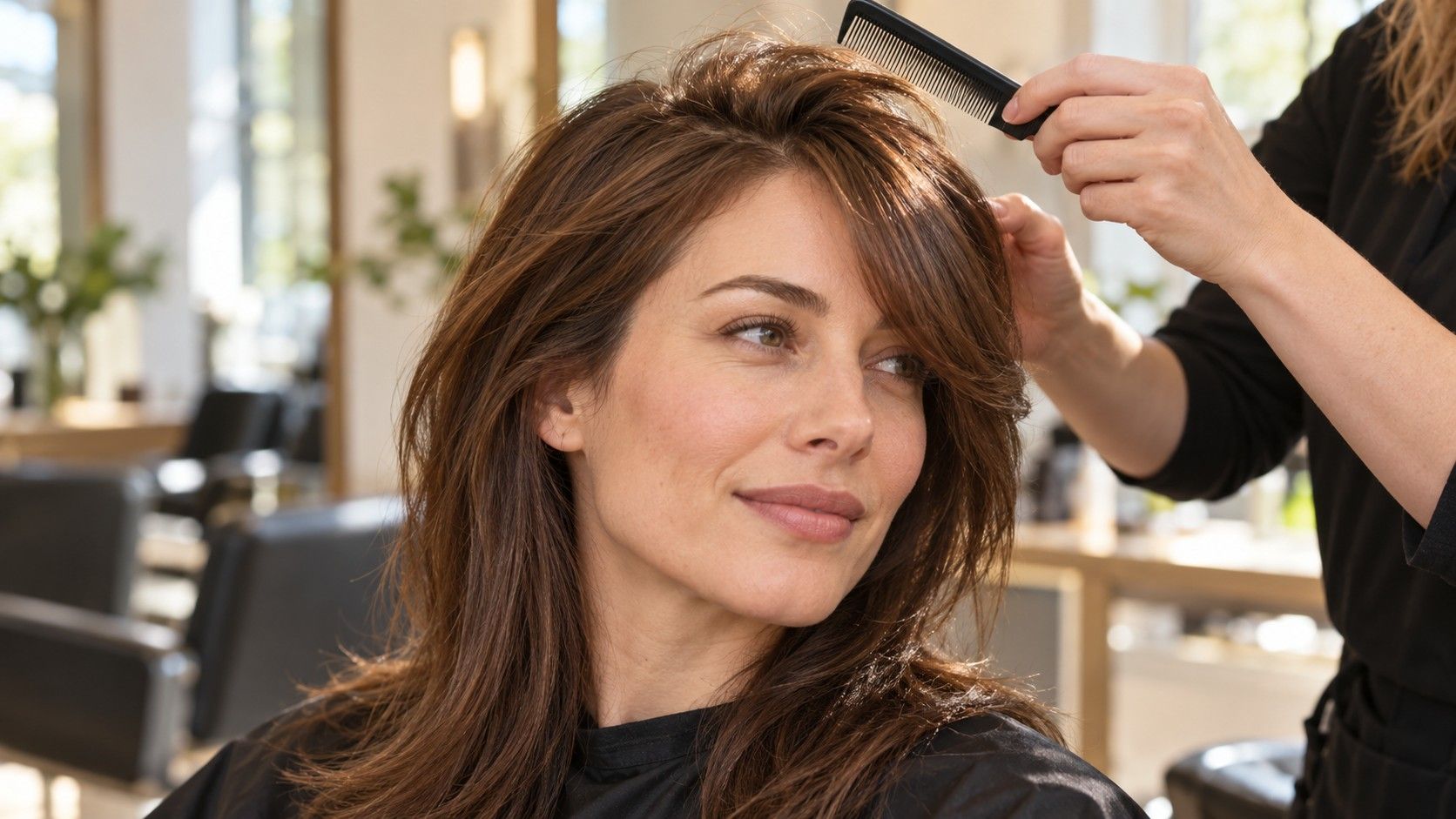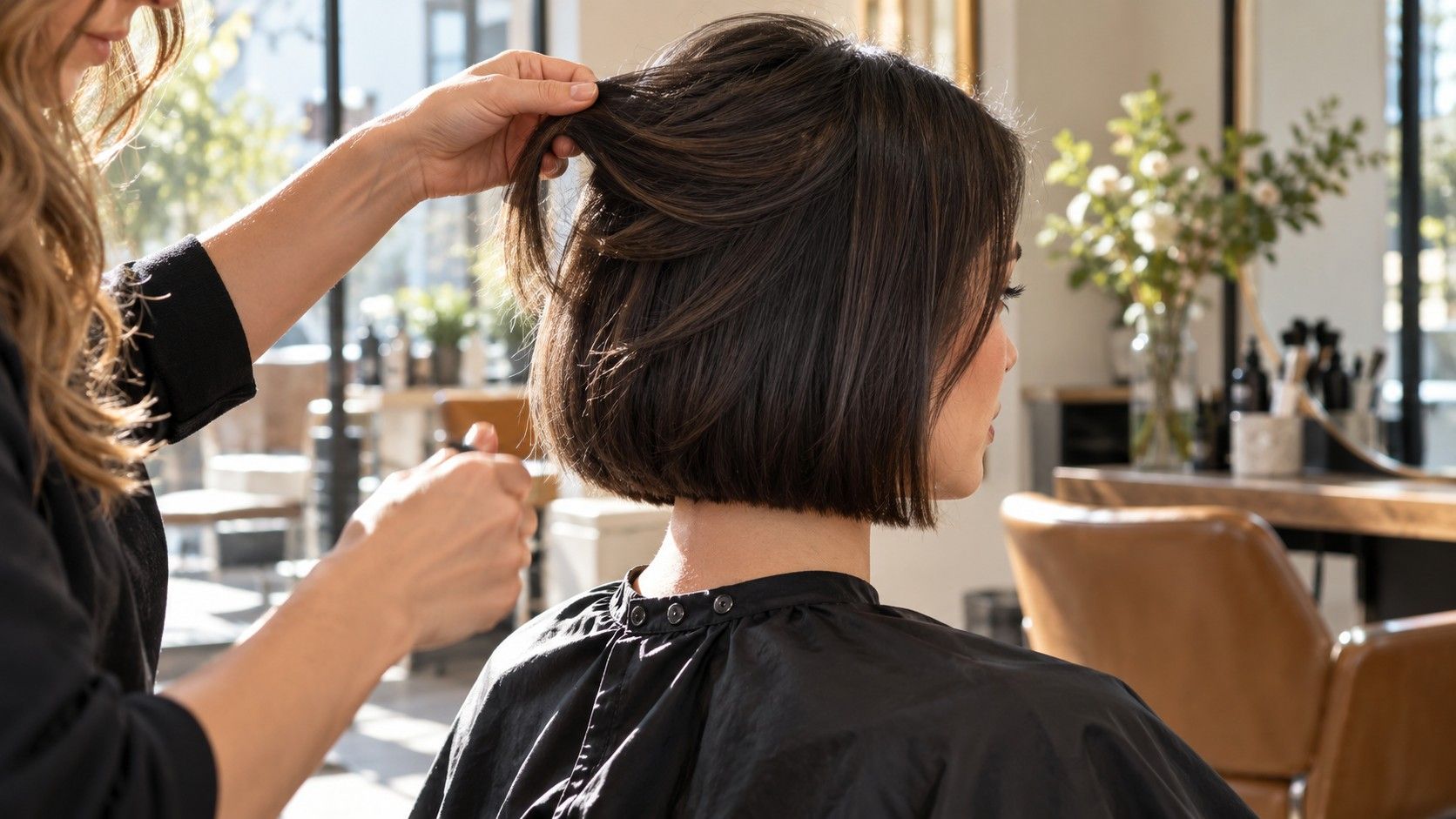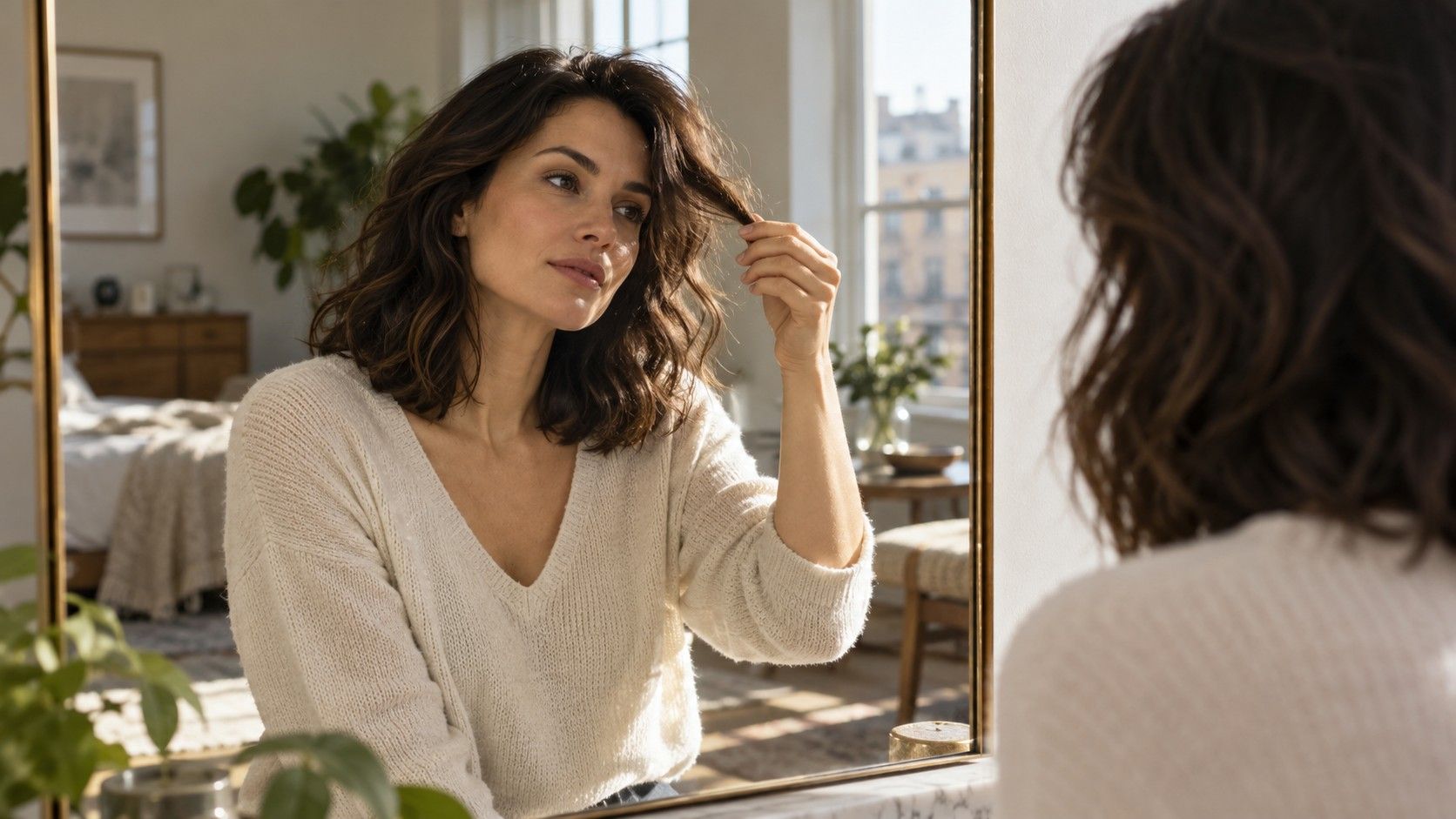
A hairstyle suggestion app can help you notice a length or fringe you would otherwise dismiss. The useful moment comes after the first appealing image, when you ask whether the shape belongs in your real life. A convincing preview might borrow thick ends, a different parting or a polished finish that your own hair will not produce without work. Treat the picture as a proposal you can question, then reduce the possibilities to a few cuts worth discussing at the salon.
Tell the tool what your morning actually allows
Before browsing, describe your usual routine in plain language. Perhaps you wash at night, leave with damp hair and need it off your face at work. Perhaps you already use a round brush and enjoy setting the front pieces. Those are two different starting points, even if the same glossy bob appeals to both people. Write down what you actually do on a busy weekday, including the products and tools you already reach for.
Choose two requirements that the haircut must meet. Examples include a secure ponytail, enough length to tuck behind glasses, or a fringe that can be swept away during exercise. Add one preference, such as a stronger outline or more movement around the cheeks. If the app offers text instructions or filters, use those constraints there. If it does not, keep them beside the screen and apply them yourself when reviewing each result.
Consider the awkward moments as well as the finished look. A jaw-length cut may fall forward when you bend over a desk. Short pieces near the temples may escape a ponytail. A smooth fringe may need attention after sleep. None of these makes a haircut a poor choice, but each can change how much you enjoy it. A useful shortlist accounts for the morning after the appointment.
Keep your present haircut as a reference. A familiar photo helps separate the pleasure of seeing something different from a real improvement in shape. Ask what the suggestion changes: does it reveal the neck, make the ends look fuller, or simply add a salon finish?
Check suggestions against density and texture
Look first at the amount of hair in the preview. If your ends are fine and see-through but the image shows a dense, solid edge, the result may depend on hair you do not have at that length. Conversely, a light, airy outline can understate the width of very dense hair. Compare the preview with a current photograph taken in similar photo lighting, especially along the lower edge and around the crown.
Hair texture changes the route from cut to finished shape. A rounded style shown on straight hair may spread or bend differently on waves. A layered outline displayed with loose curls may look flatter when worn straight. Rather than deciding that a style is impossible, identify which part of the picture depends on the finish. The stylist can then discuss a version that works with your texture.
Watch for a preview that quietly replaces your hairline or fills in the temples. Those changes can make the front look more balanced without demonstrating how the cut would behave on you. Check where the fringe begins, how wide it is and whether it uses hair you usually need at the sides. A digital image cannot settle how much hair should be allocated to each part of the cut.
Use specific observations instead of calling your hair difficult. Say that the right side turns outward at shoulder length, the crown lies flat after air drying, or the front separates in the same place every morning. These details make the eventual salon consultation much more productive than a request to reproduce a picture exactly. They also help you discard suggestions whose main feature conflicts with a known growth pattern.
Use face shape as one clue among several
Face-shape categories can give you a starting vocabulary, but they do not need to select the haircut. A person can have a narrower chin, a broad forehead and rounded cheeks without fitting neatly into one label. Camera height, a tilted head and hair covering the sides can also change the outline you are judging. Avoid spending the whole comparison session trying to obtain a definitive category.
Instead, describe the effect you want to see. You might prefer an open cheek area, a fringe that softens the forehead, or less width beside the jaw. Compare two previews that change that feature while keeping the length and finish similar. This gives you a useful visual question: which outline feels comfortable around your own features? It is more specific than asking for the most flattering cut.
Include the things you wear every day. Glasses occupy space around the brows and temples; earrings may be hidden by a fuller bob; a work headset can press a fringe into an unwanted bend. Look at the preview with those objects in mind. If glasses are central to your everyday appearance, keep them in a separate reference photo even if you remove them for an initial digital comparison.
Your preferences still count when a suggestion contradicts a face-shape rule. A sharp bob may be exactly the outline you like, even when a generic rule recommends softness. The practical question is how to place the edge and distribute the volume on your hair. Save the picture because you like its features, then ask about those features directly.
Reject a flattering image with an impractical cut
Use a consistent photograph for the first round of comparison. Even light, a level camera and a clear view of the face make changes easier to read. If every preview has a different smile, angle or makeup effect, you may be choosing the portrait instead of the haircut. Pay attention when the tool changes your face or clothing as well as the hair; those differences can distract from the decision.
Reduce the first selection to four or five genuinely different shapes. A chin-length bob, a collarbone cut and long layers offer more information than five nearly identical bobs. For each image, name the feature you would keep and the issue you need to check. That forces the comparison away from a vague feeling that a picture looks good.
| What catches your eye | What to question | What to save for the consultation |
|---|---|---|
| A full, blunt edge | Does your density support this edge at that length? | The position and thickness of the perimeter |
| A soft, parted fringe | Will your natural part keep splitting it? | The shortest point and the direction of the sweep |
| A lifted, layered crown | Is the lift from the haircut or from styling? | The amount of height you like |
| A tucked, neat side | Will the front reach behind your ear? | A clear view of the untucked length |
Check the outline at ordinary moments: looking down, turning the head, pulling the hair back. A static virtual hairstyle preview cannot show all of these, so mark them as questions rather than assuming the attractive front view answers them. If a feature is essential, such as keeping every front section in a ponytail, say so before any length is removed.
Set aside a suggestion when too many essential details remain uncertain. You do not need to prove that it would fail. A shortlist works best when it contains plausible options, not a collection of images you hope the stylist can somehow reconcile. Keep an ambitious picture in a separate folder if you want to discuss a larger change later.
Take three different references to a stylist
Bring one preferred haircut, one restrained alternative and one picture showing a detail you dislike. The preferred cut establishes the direction. The alternative gives the stylist room to adjust length or layering. The unwanted detail can be especially helpful: a bulky shelf at the back, a fringe that ends too high, or ends that look too wispy. Explain the feature rather than judging the person in the photograph.
Label your saved images with short notes outside the image itself. “Like the neck length; need the front to tie back” is useful. “Want this exact hair” leaves too much unsaid. If saving or exporting is restricted, note the visible shape in your own words and bring another accessible reference that shows the same detail. Do not commit to a purchase simply because one preview has caught your attention.
Ask the stylist what would change when the cut is adapted to your hair density, parting and daily styling. Ask how the shape would look with your ordinary drying routine and which pieces would fall loose when tied back. If a major change depends on a finish you do not usually create, discuss a smaller first step or arrange time to learn the technique.
Leave the appointment decision open until the consultation has addressed those constraints. The best result from a hairstyle app may be a clear sentence rather than a perfect picture: “I want a fuller collarbone outline, less weight beside my cheeks and no fringe that needs daily straightening.” That gives both you and the stylist something concrete to work with.