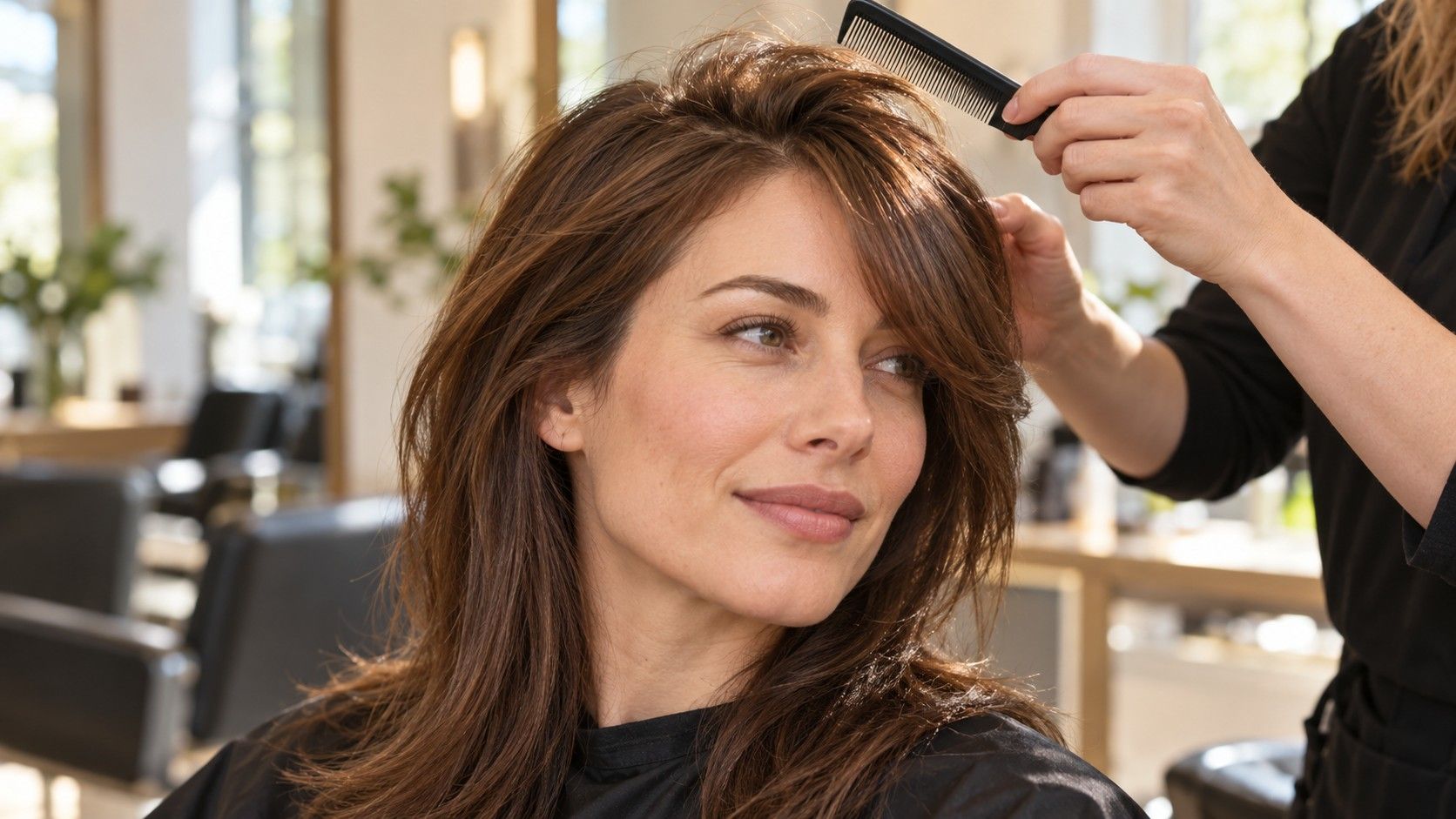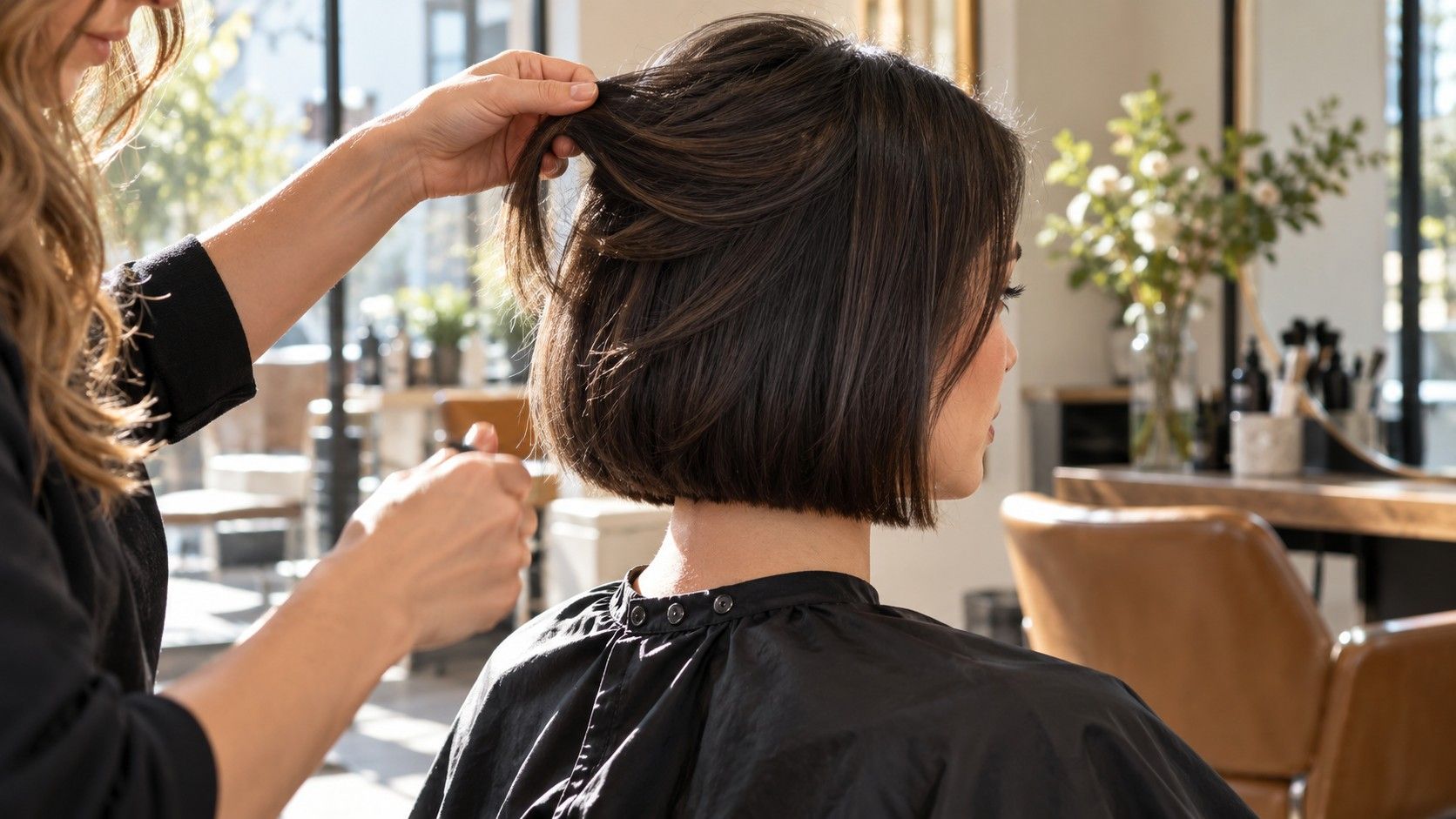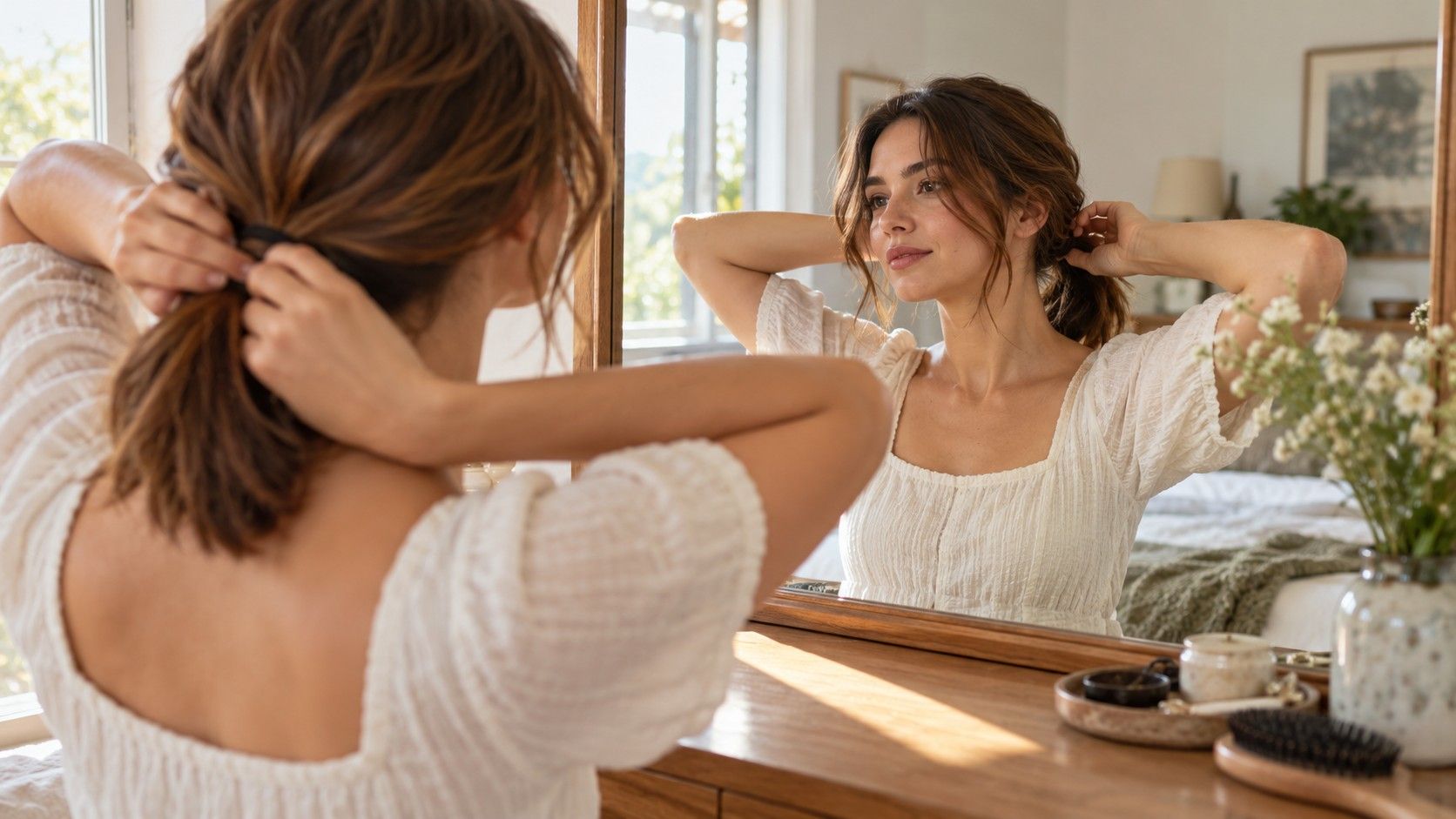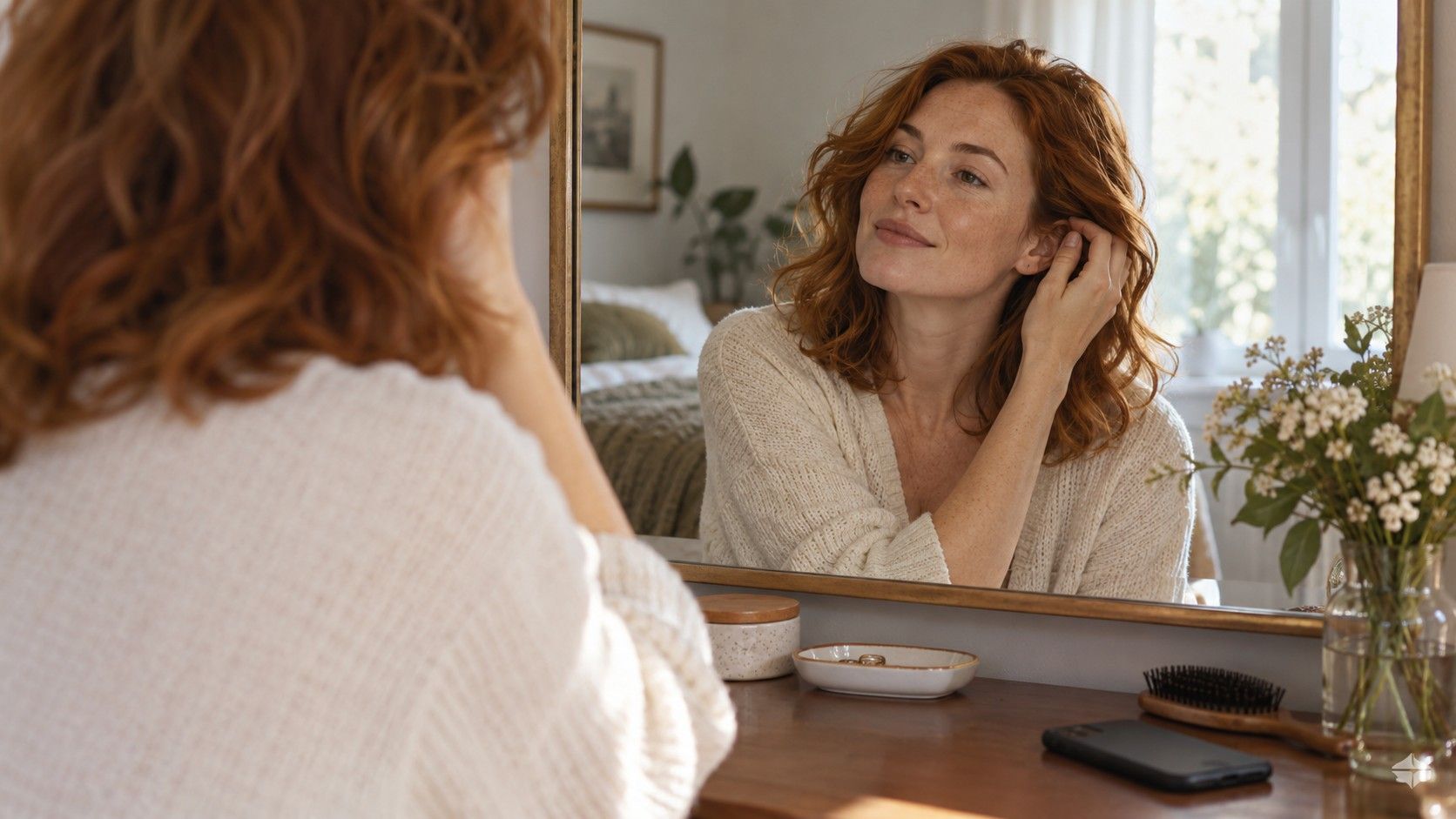
It is easy to choose a digital hairstyle because the whole portrait looks polished. It is harder to tell whether you like the haircut, the styling or the change in how your face is framed. A useful comparison separates those decisions. Start with a few visibly different lengths, keep your everyday habits in view and examine what each image leaves uncertain before you book a cut.
Decide whether you want a cut or a styling change
Describe what is bothering you about your current hair before opening a hairstyle app. “The ends look thin” points toward a different question from “I want more lift at the roots.” One concerns the outline and retained length; the other may involve parting, drying or how the hair is arranged. A preview can blur those distinctions by changing several things at once.
Try to compare like with like. If one picture has long, straight hair and another has a short, waved bob, both length and finish have changed. You cannot yet tell which change you prefer. Look for a straight version of the bob or a waved version of the longer cut when the available options allow it. Otherwise, write down that the finish is part of the attraction and ask a stylist to separate the two.
Check whether the appealing image changes the color too. A bright highlight beside the face can draw your eye to the cheek area; a darker lower section may make the edge appear more solid. You may like the placement of light more than the haircut. Keep color as a separate choice during your first comparison so you can explain what you want without bundling several salon decisions together.
Choose a practical aim for the session: decide whether to cross the shoulder line, investigate bangs or compare a fuller edge with layers. Browsing every available look can leave you with a folder of attractive pictures and no clearer idea of what to ask for.
Compare short, medium and long silhouettes
Begin with three broad outlines on the same current photo. A short cut reveals more of the ears or neck. A medium cut places its edge somewhere around the jaw, neck or shoulders. Longer hair carries the outline below the shoulders and may allow more ways to tie it back.
Look at where the lower edge lands relative to your jaw, shirt collar and shoulders. Hair touching the shoulders may bend outward or sit differently from hair that clears them. A jaw-length edge creates a distinct horizontal line beside the face. A collarbone length gives another kind of frame, but the front sections still need checking if a ponytail is essential.
Compare the amount of visual weight, not just the number of inches removed. A long cut with a dense perimeter can look more solid than a shorter cut with heavily separated ends. Layers may change how the shape moves without greatly changing the longest point. Ask yourself whether you want less length, less width or less heaviness; those requests do not always lead to the same cut.
| Silhouette to compare | Useful detail to inspect | Question to take to the salon |
|---|---|---|
| Short and close around the neck | Hairline, ear exposure and side length | Which areas will need regular reshaping? |
| Jaw- or neck-length bob | Width beside the cheeks and the position of the edge | How will my usual texture change this outline? |
| Shoulder or collarbone cut | Contact with the shoulders and loose front pieces | What length preserves the tie-back I use? |
| Long hair with shaping | Fullness at the ends and the shortest layers | How much perimeter can stay while adding movement? |
Do not assume a shorter haircut automatically means an easier morning. The difference may be less washing or drying time but more attention to the front or crown. Longer hair can take more time to dry yet still offer a quick tied-back option. Judge the trade against your own routine, including what you do when you have no time to style.
Check bangs against your natural part and hairline
A digital fringe can look settled even when your own front hair grows in a different direction. Before choosing one, let your hair fall in its usual part without arranging it for the photo. Notice where it separates, which side lifts and whether the front tends to sweep away from the face. Those observations belong beside the preview when you discuss bangs.
Study the width of the proposed fringe. A broad section running far toward the temples uses more hair from the sides than a narrow central section. That can matter if the sides are already fine or if you like a full edge near the jaw. The preview may show both a thick fringe and thick sides without demonstrating how your available density would be divided.
Check the shortest point in relation to your brows and glasses. A fringe can look attractive in a still photo but brush the frames when you look down. Longer parted pieces may be easier to move aside, yet they can still fall forward before they reach a tuckable length. Show the stylist your glasses and describe how you wear your hair while reading, exercising or working.
If you are uncertain, compare a clear forehead, a light fringe and longer face-framing pieces before looking at more variations. This reveals how much coverage you prefer. It does not prove which version your hair will hold. Ask about the direction of growth and the effort involved in setting the front after washing; avoid choosing solely because the app makes every option appear equally obedient.
Allow for waves, curls and a different finish
Choose a reference photo that resembles the texture you actually wear. If you air-dry waves most days, a smooth preview is a possible styled version, not a complete account of the cut. The same applies when a curly image has evenly arranged ringlets that differ from your mixed curl pattern. Look for the silhouette beneath the finish and identify what you would expect on an ordinary wash day.
Length can look different as waves or curls dry. The amount depends on your own pattern and how you handle the hair, so a picture cannot provide a reliable universal allowance. Show the stylist photographs of your hair both freshly styled and in its usual state. Discuss where the finished dry outline should sit rather than agreeing only on the length of wet hair.
Watch the surface of the preview. Perfectly smooth strands, repeated curl shapes or unusually full ends can make the haircut easier to imagine than it will be to reproduce. This does not make the image useless. It means you should ask which parts come from the cut and which depend on brushing, heat, products or deliberate curl arrangement.
Examine the back and sides whenever you can find a suitable reference. A front-facing virtual hairstyle preview says little about bulk behind the ears or the shape at the nape. Do not invent those details from the front image. Bring another photograph that shows the back you prefer, and explain that the two references serve different purposes.
Leave space for variation between days. Humidity, sleep, washing and the way you tie your hair can alter the finish. A cut you like only when every wave turns outward in the same place may be frustrating. Prefer an outline you can tolerate when the texture is less arranged, then treat the polished version as an optional finish.
Review the free workflow before committing
If you search for a hairstyle app free to try, check what the free route actually lets you do before spending time creating a large comparison set. Read the current screen and any terms shown around access, saving and payment. A free download or opening preview does not, by itself, establish what later steps include. Keep your assessment tied to the tool in front of you.
Test one low-stakes comparison first. Can you see enough detail around the forehead and jaw to judge the shape? Does the result keep your face sufficiently consistent to compare it with the starting photo? Can you return to the original picture easily? A tool that makes a beautiful portrait but repeatedly changes the features you are trying to frame may offer less help with this particular decision.
Review photo handling before uploading a portrait. Check the stated permissions, retention information and any options for removing an upload or account. If a detail is unclear, leave it unresolved rather than assuming a particular privacy promise. Use a simple photo without other people, identifying documents or a revealing background. You only need the face and relevant hair area for this exercise.
Once you have two or three useful images, stop browsing and compare them against the same practical requirements. Note the preferred length, the fringe you would consider, the daily styling you accept and anything the image appears to change beyond the hair. Bring those notes to the appointment with a current photo of your natural texture. A clear set of choices is more useful than a large album of disconnected transformations.